Your photos stay yours
You choose which screenshots Curio reads — from the Photos picker or the share sheet. It never scans your whole library, and it cannot see inside other apps.
Catalogue of the everyday — for iPhone
Your camera roll is a shoebox of tickets, menus, listings and half-remembered ideas. Curio reads your screenshots, keeps the source attached, and quietly becomes the memory your phone never had.
№ 01 — The drawer
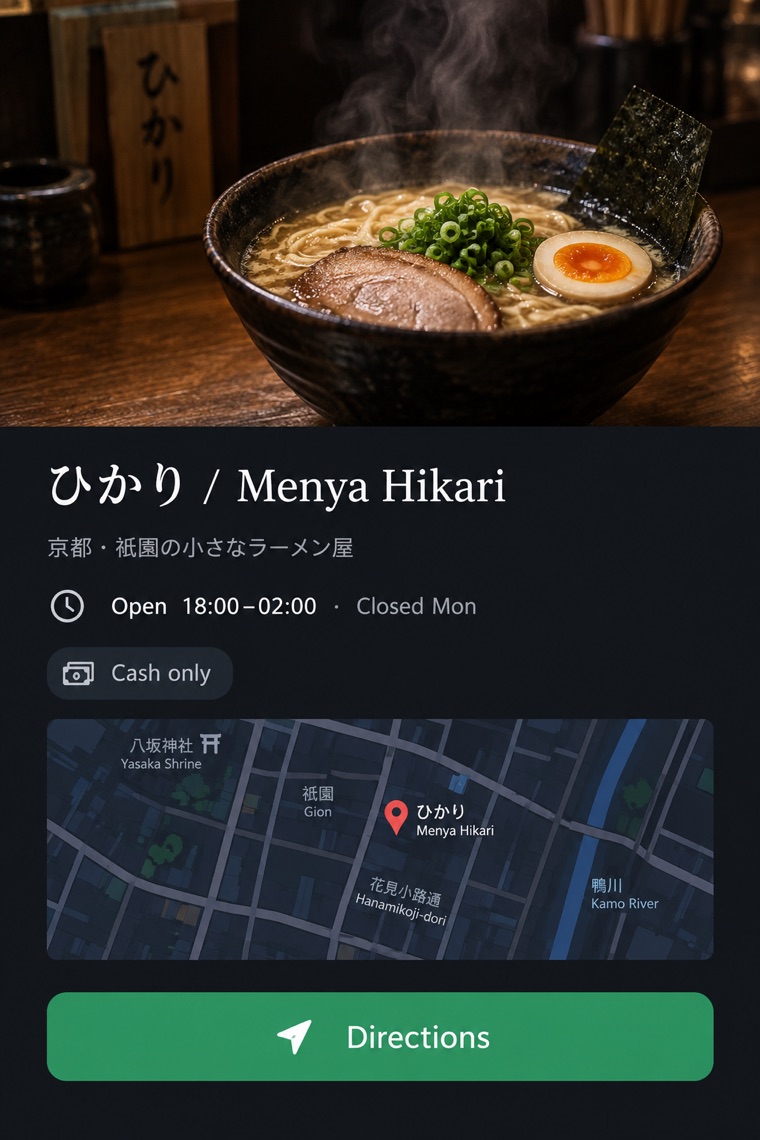
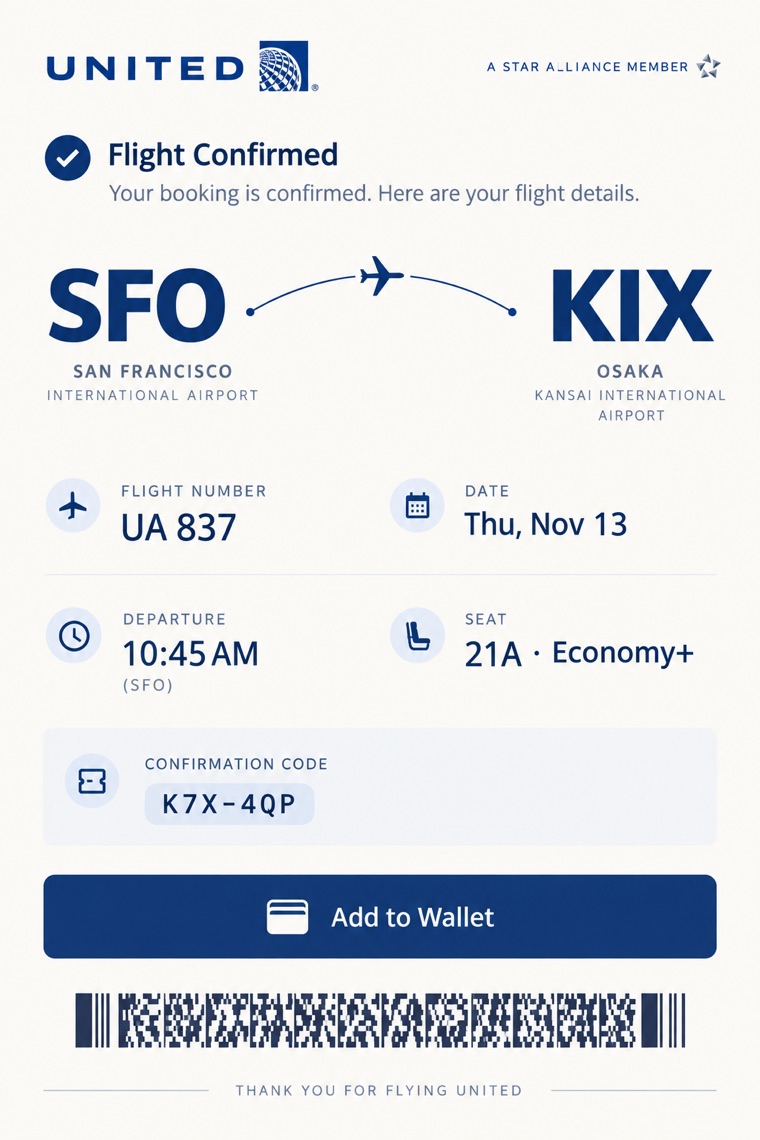
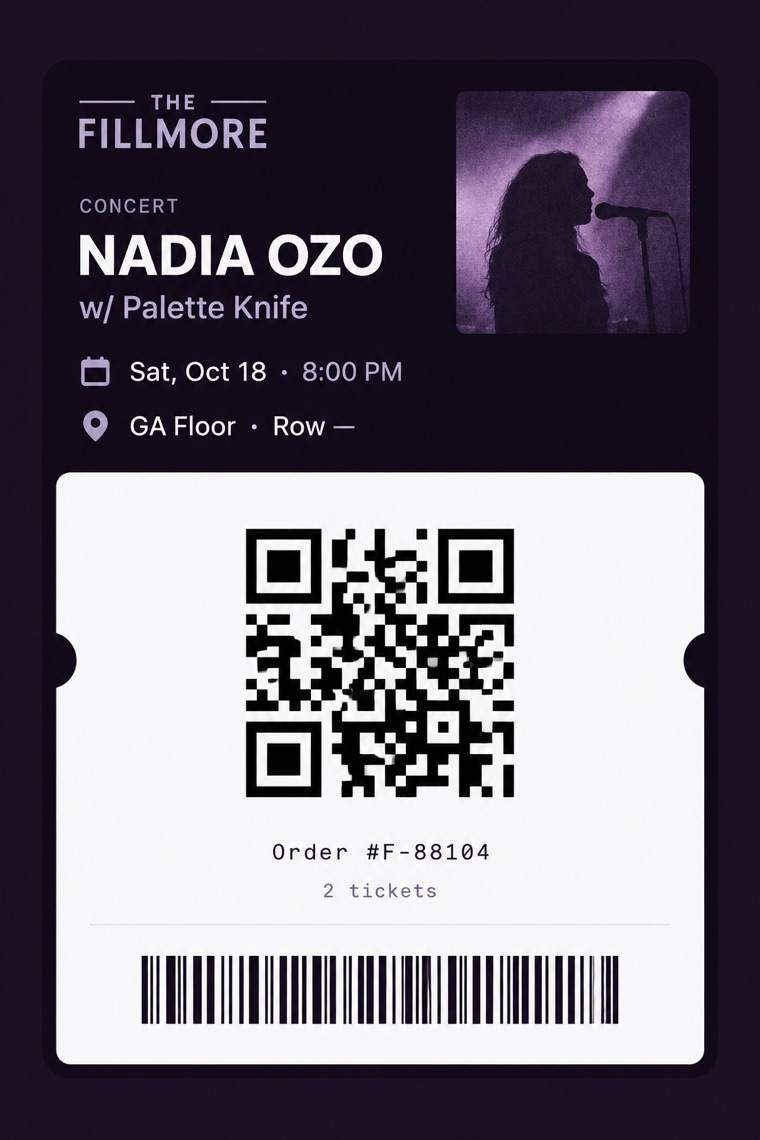
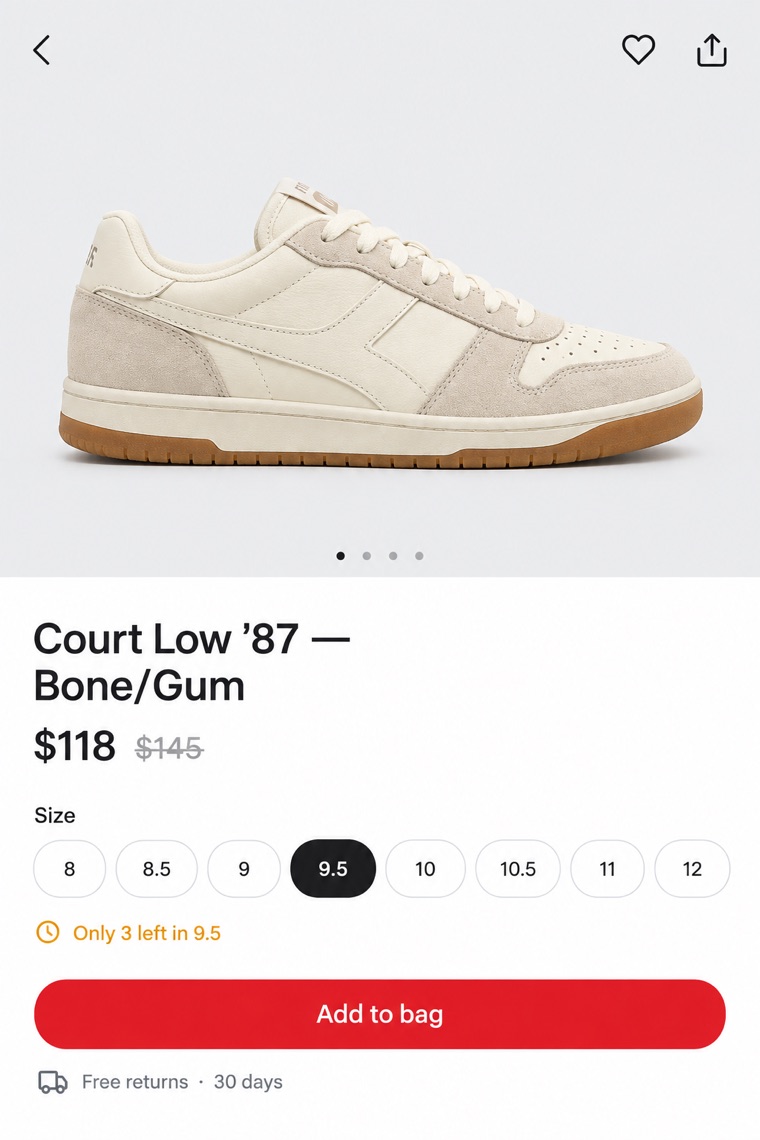
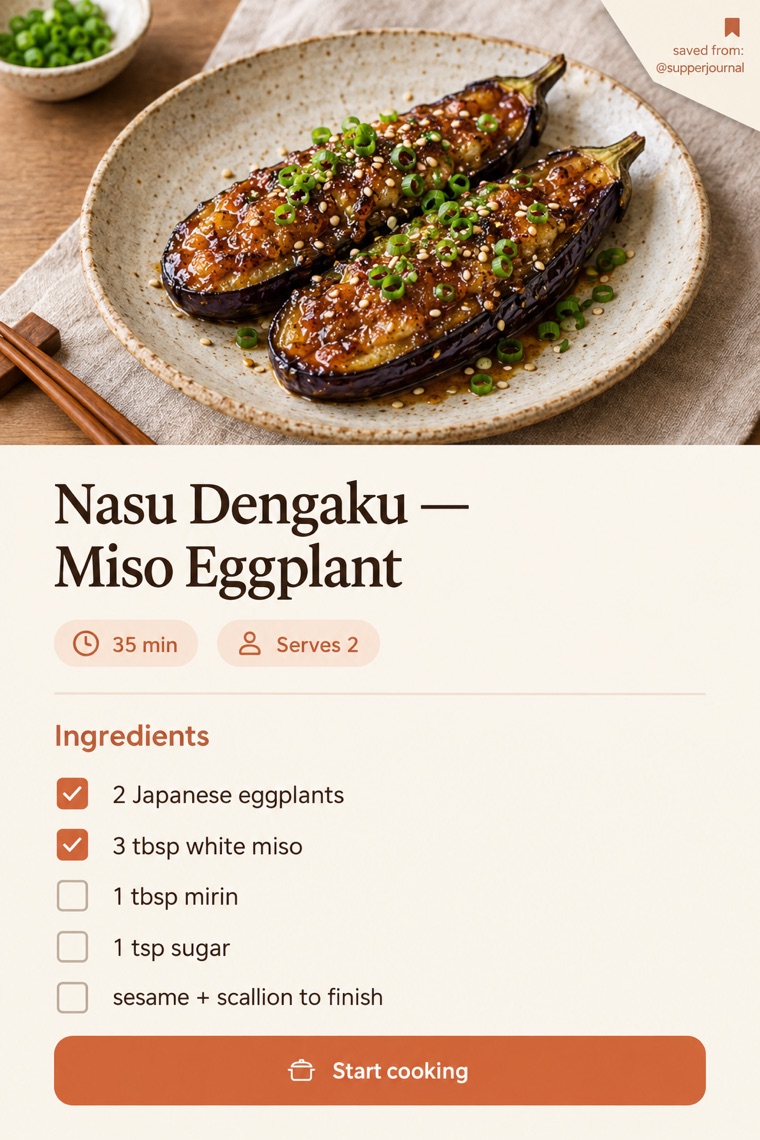
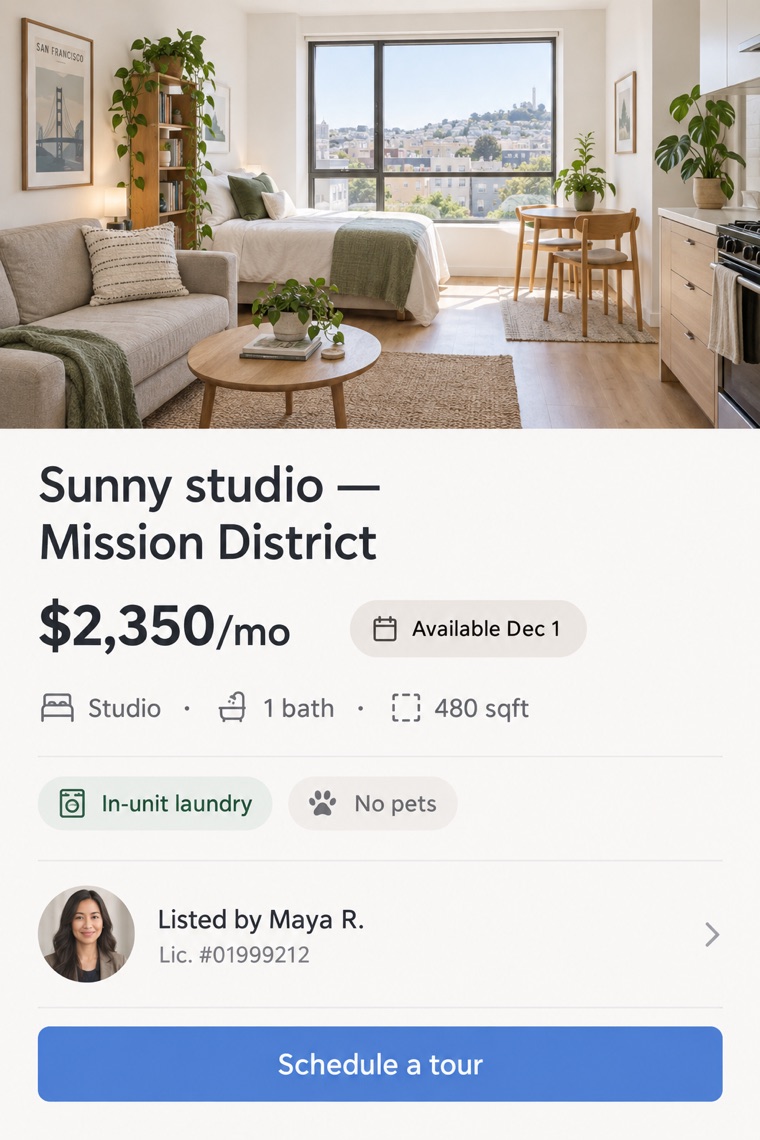
Each save keeps its source, its date and the text that was actually on your screen. Tap a card to open its catalogue sheet. Sample specimens shown.
№ 02 — Method
Screenshot as usual, pick shots from the Photos picker, or share straight into Curio with the share sheet. Nothing is read until you file it.
On-device OCR reads menus, codes, dates and prices — no cloud round-trip for the text. Optional hosted assistance is labelled and off by default.
Every answer cites the screenshot it came from — the actual pixels and the day you filed it. Origin is shown only when you tagged it or Curio inferred it, and inference is always marked.
Curio proposes a reminder or calendar entry and shows its working. Tap approve, or dismiss it — nothing happens silently.
№ 03 — The reading room
A working slice of the Curio loop, running on sample data in this page — the same retrieval → provenance → approval flow the app performs on your own saves.
Six specimen cards are filed in this demo drawer.
Ask for one — or tap a sample question above.
Suggested — awaiting your approval
Demo uses fixed sample data. No real screenshots are read, uploaded, or stored.
№ 04 — House rules
You choose which screenshots Curio reads — from the Photos picker or the share sheet. It never scans your whole library, and it cannot see inside other apps.
Text extraction runs on-device with Apple's Vision framework. Your index lives on your phone, and background indexing only runs when iOS permits it.
An optional hosted decision layer can rank answers when on-device confidence is low — it sees extracted text, never your images, and it says when it abstains.
Removing a specimen erases its image, its extracted text and its index entries. Export the whole drawer as files whenever you like.
Curio is in development and not yet on the App Store; pilot applications are not yet open. Capabilities described as “planned” on this page are roadmap, not shipping features.
№ 05 — Admission
A first cohort of screenshot-heavy savers — travellers, shoppers and planners — is planned once the iOS build reaches TestFlight. Pilot applications are not yet open: this page collects no addresses, runs no waitlist backend, and sets no trackers. What exists today is the working demo above and the plans below.
Everything on this page is sample data and roadmap — nothing here is a shipping product claim.